Tuna poke · €16.50paid
≠
Would you order it again?
YesNo
It learns from the plate, not the bill
Paying for a dish is not the same as liking it. One tap after the meal is the signal that trains the passport, and the guest can always say no.
Restaurant operating system
Ordering, payments, kitchen, reservations and loyalty in one place. And a menu that knows what each guest loves.
Why one system
Most restaurants run on tools that do not talk to each other. The booking does not know the order, the order does not know the guest. Bonvi is one product, so it all joins up.
Today
With Bonvi
One product
One menu · one order · one guest · one ledger
Start where you are
Menu
Guests scan, browse and filter. You change nothing.
Order
Guests order from the phone. Payment stays as it is.
Pay
iDEAL, cards, wallets, split bills. The full product.
The platform
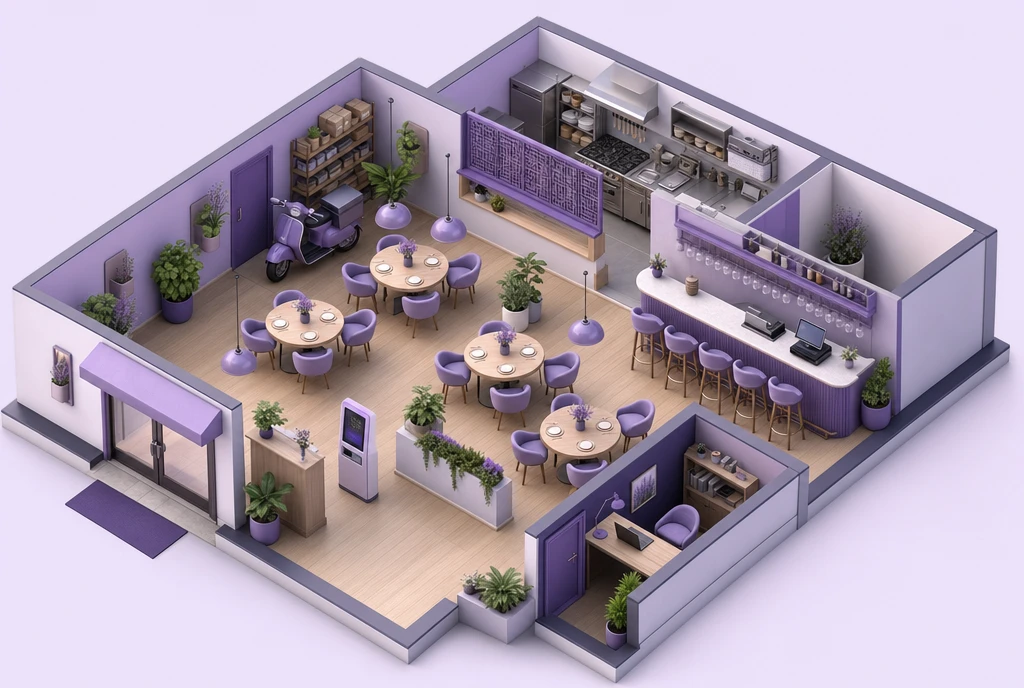
39 modules, one product. Tap a part of the restaurant to see what Bonvi does there.
A night with Bonvi
Or walk it yourself: the guest menu is live, with a guided tour.
Open the guest menu demo →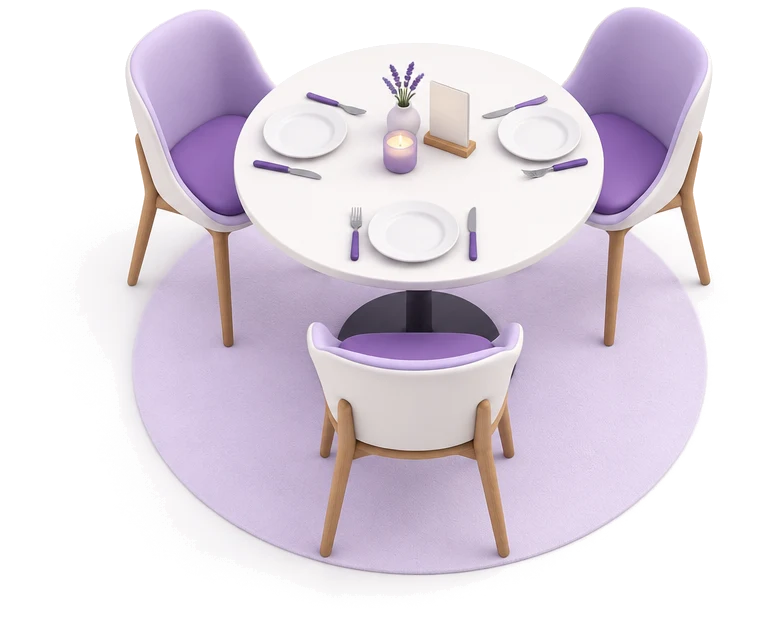
19:30 · Arrive
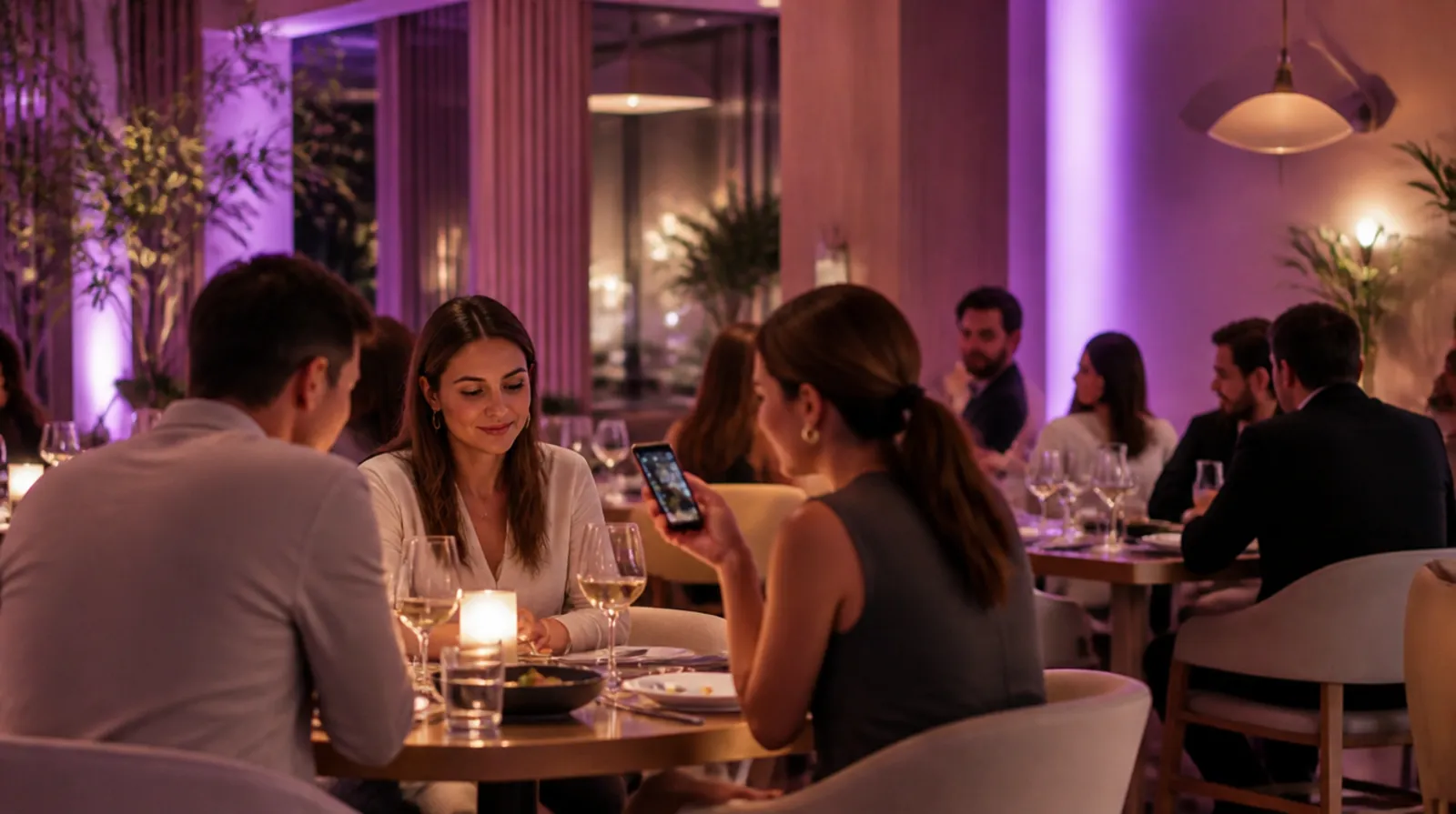
Noor books a table for three. The reservation already knows she avoids dairy.
Bonvi Taste Passport · live demo
Pick a guest. Walk into any restaurant. Order, say whether it was good, and watch the passport learn and the next menu change. This is the whole idea.
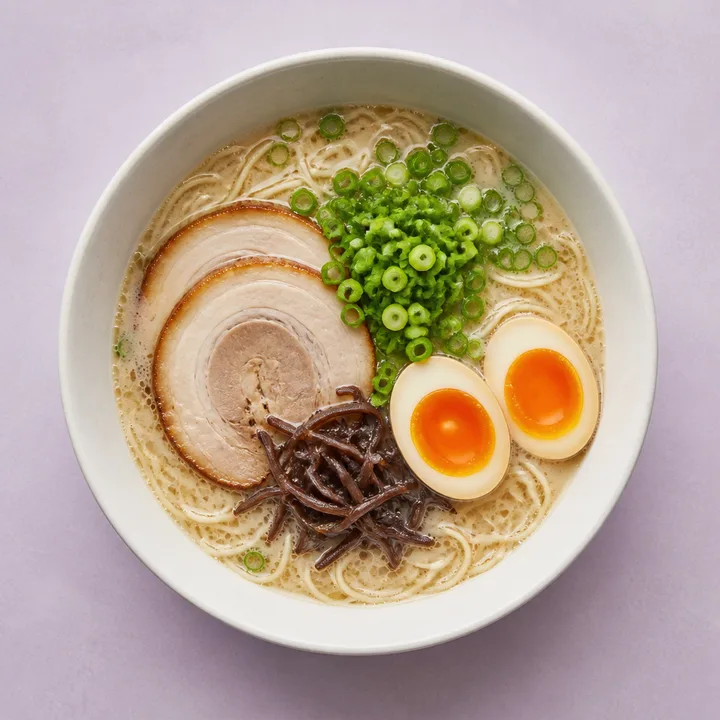
Spicy tonkotsu ramen €17.00
you like umami
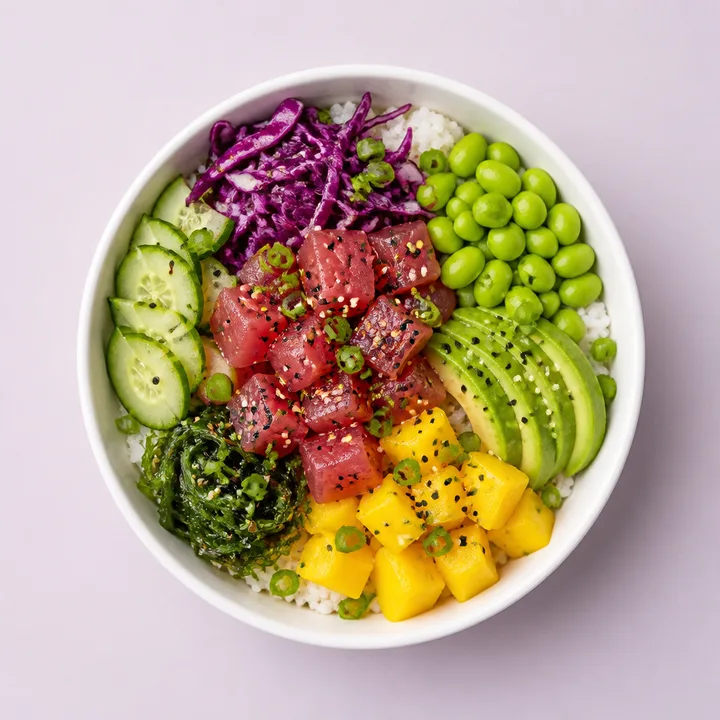
Tuna poke bowl €16.50
you like acidity
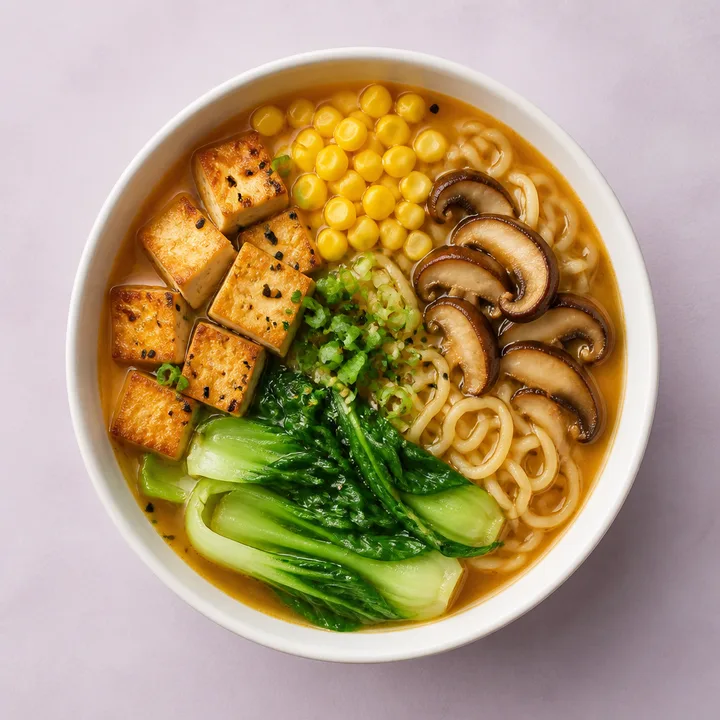
Vegan miso ramen €15.00
you like umami
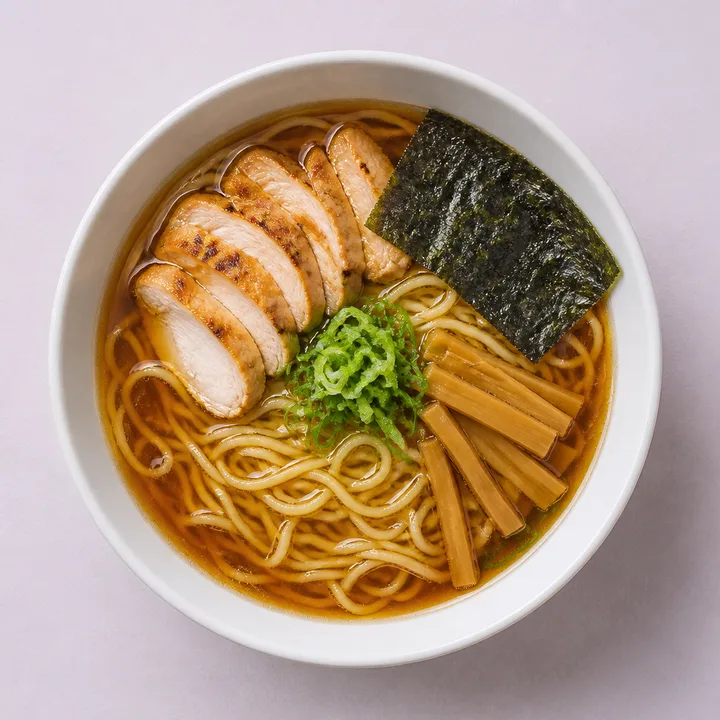
Shoyu ramen €15.50
you like umami
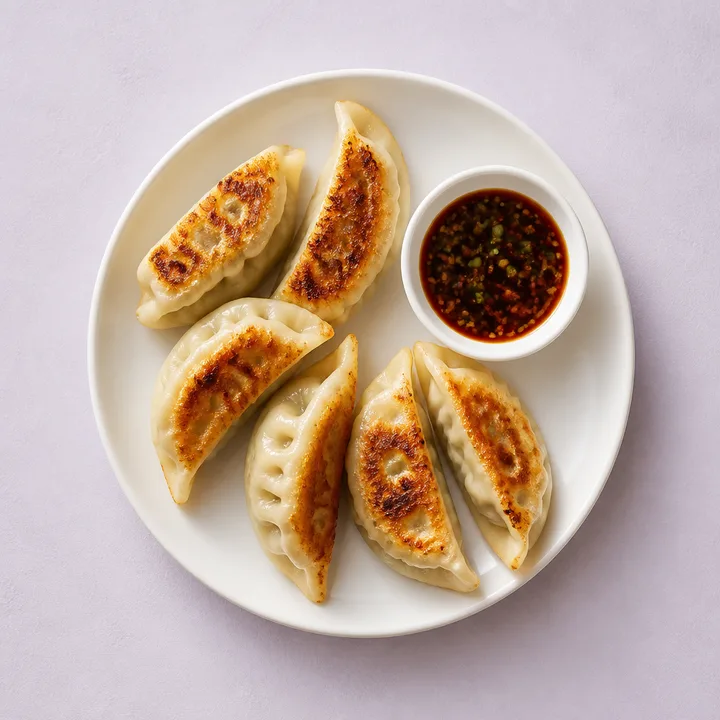
Gyoza €8.00
you like umami
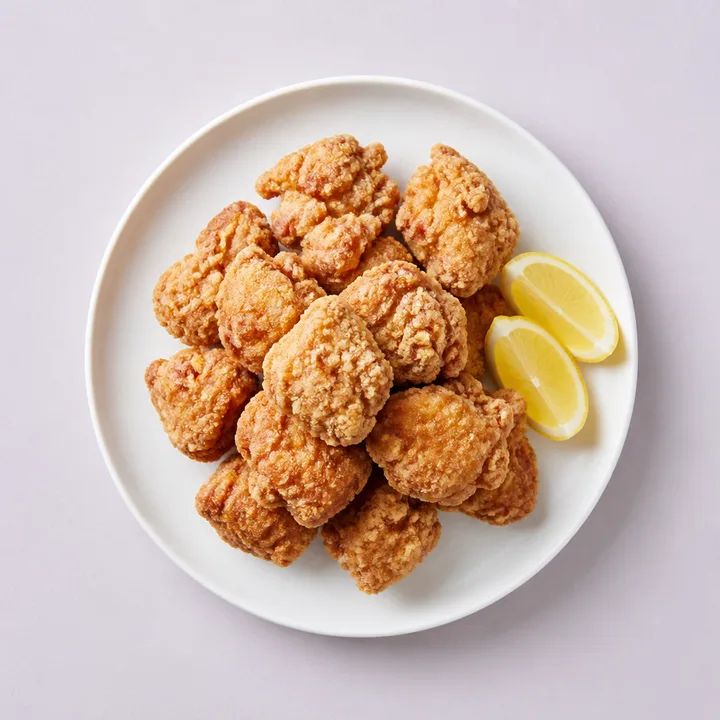
Chicken karaage €9.50
you like umami
Hidden dishes are never recommended. Ranking only changes the order.
How the passport works
≠
Would you order it again?
Paying for a dish is not the same as liking it. One tap after the meal is the signal that trains the passport, and the guest can always say no.
 Noorno dairy · loves heat
 Samvegetarian
 Lenaanything, not too spicy
Everyone browses privately. Bonvi suggests plates that work for the whole table without telling anyone who has which allergy.
Preferences are probabilistic. Allergens are not. Bonvi only repeats what the kitchen declares and always points high-risk guests to staff.
Inspect, edit, pause, export or delete. Each restaurant sees only its own tables. Ordering anonymously is always one tap away.
 Passport
 Noor
Adventurous · no dairy · loves heat
Stamps · 14
Top flavours
ScanPoint at the table tent
The Bonvi app · iOS and Android
Ordering never needs the app. The app is for guests who want to own their taste: see it, edit it, stamp it, and scan into any Bonvi restaurant with it.
Bonvi Studio
Snap the plate on your phone. Bonvi Studio relights it, cleans the table and frames it like a food photographer would. The dish stays exactly the dish. No invented ingredients, no fake portions.
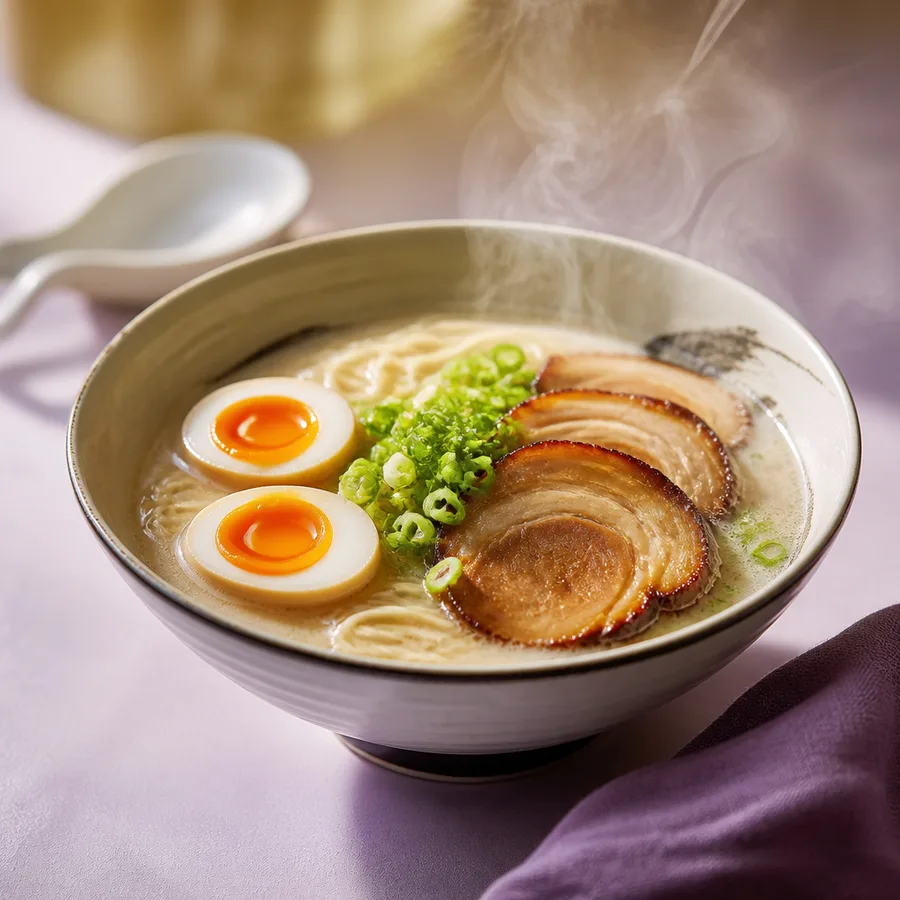
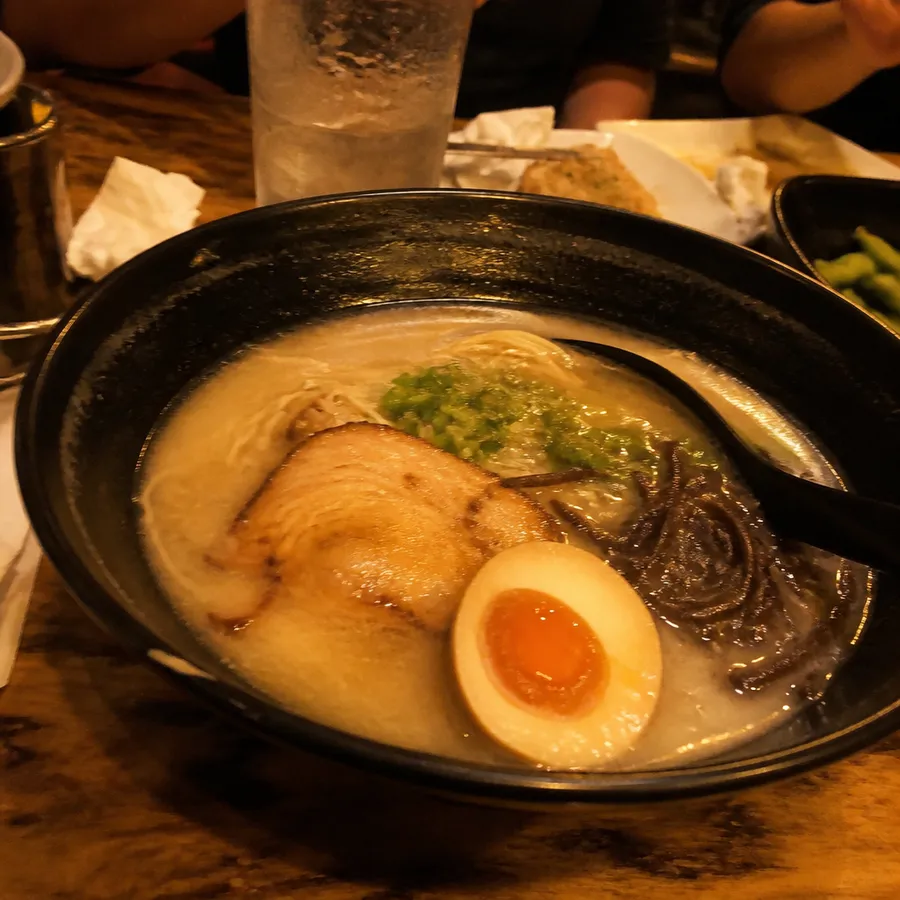
For everyone at the table
Getting started
No hardware to buy, no data entry marathon. Three steps, one afternoon.
Step 1
Bonvi turns a photo, PDF or spreadsheet into a structured menu with modifiers and the 14 EU allergens. You approve, it publishes.
Step 2
One PDF, one QR per table. Print it on the office printer. Guests scan and the right table is already selected.
Live · Bistro Noord
Step 3
Start with the digital menu. Turn on ordering when staff are comfortable, payments when you are. Each is one toggle.
Who it is for
Built for the busiest hour
Integrations
POS
Payments
Marketplaces
Accounting
Printers
Reservations & loyalty
Connections are listed only after partner certification and production testing. Names belong to their owners.
Pricing
€199 a month buys the whole platform for one restaurant. No feature gates, no per-screen surcharge, no commission on your orders. Payment processing, SMS and WhatsApp volume and hardware are the only separate lines, and they are published.
One location
€199/ month
€199 per month, per location
Three locations or more
Talk to us
Multi-location pricing on request
Chains, franchises, venues
Talk to us
Contracted platform pricing
Honest comparison
Read against the public feature pages of the leading ordering platform in our market. Two rows go the other way, and we say so.
| Capability | Bonvi | Typical ordering platform |
|---|---|---|
| QR, kiosk, POS, pickup, delivery, marketplacesTable stakes. Both do all six. | Yes | Yes |
| Kitchen display with an offline hub | Yes | Yes |
| Guest menu cached offline, orders queue on bad Wi-FiTypical: QR order queues; menu itself needs a connection. | Yes | Partial |
| AI waiter, voice and chat, allergen guardrails | Yes | Yes |
| Loyalty, wallet passes, CRM automations | Yes | Yes |
| Every module in one priceBonvi: €199 a month. Typical: base fee plus €30–50 per module, or 3% commission. | Yes | Add-on |
| Guest-owned taste profile across restaurants | Yes | — |
| Native reservations and waitlist | Yes | Partner |
| Gift cards and stored value | Yes | Partner |
| Recipes, depletion and wasteTypical: stock and 86 list only. | Yes | Partial |
| Time clock, shift notes, tip allocation | Yes | Partner |
| Post-meal feedback and service recovery | Yes | — |
| Realistic AI dish photography | Yes | — |
| Guest app on iOS and Android | Yes | — |
| Webhooks with replay, sandbox tenants, adapter SDKTypical: API and webhooks, no replay or sandbox. | Yes | Partial |
| Own kiosk hardware lineWe start on the screens you own. | Roadmap | Yes |
| Stadium, hotel and food-court packsRestaurants first. Venues follow. | Roadmap | Yes |
Founding restaurants
Bonvi is new. Instead of borrowed credibility, we are opening ten founding seats in the Netherlands. You get the whole product, a direct line to the people building it, and pricing that stays fixed.
Seats open · Amsterdam, Utrecht, Rotterdam
Questions
No. The menu opens in the phone’s browser from a QR. A guest account is optional and only needed if they want their Taste Passport to follow them.
No. Bonvi has its own POS, but it also connects to Lightspeed, unTill and Micros. You decide which system owns prices and availability; every field has one owner.
A small hub on a tablet keeps taking orders, prints tickets and drives the kitchen screen. When the connection returns, everything replays in order.
No. Allergens come only from what the kitchen declares. The assistant may say “contains dairy”. It may never say “safe for you”.
The guest owns their passport and can pause, export or delete it. The restaurant owns its own customer relationship and order history. Neither sees the other’s.
€199 per month for one location, every module included, no commission on orders. Groups and chains: talk to us. Payment processing, SMS and WhatsApp volume and hardware are separate, and published.
Book a demo
We import your menu, put a QR on a table and walk through scan, order, kitchen, pay. Forty minutes, no slides.